

Log business travel by car and let Eloope calculate the reimbursable amount automatically based on your organization's mileage rate.
When to use mileage expenses
Use the mileage expense type when you drive a personal or company vehicle for business purposes. Common examples include client visits, trips between offices, and travel to conferences or events.
Create a mileage expense
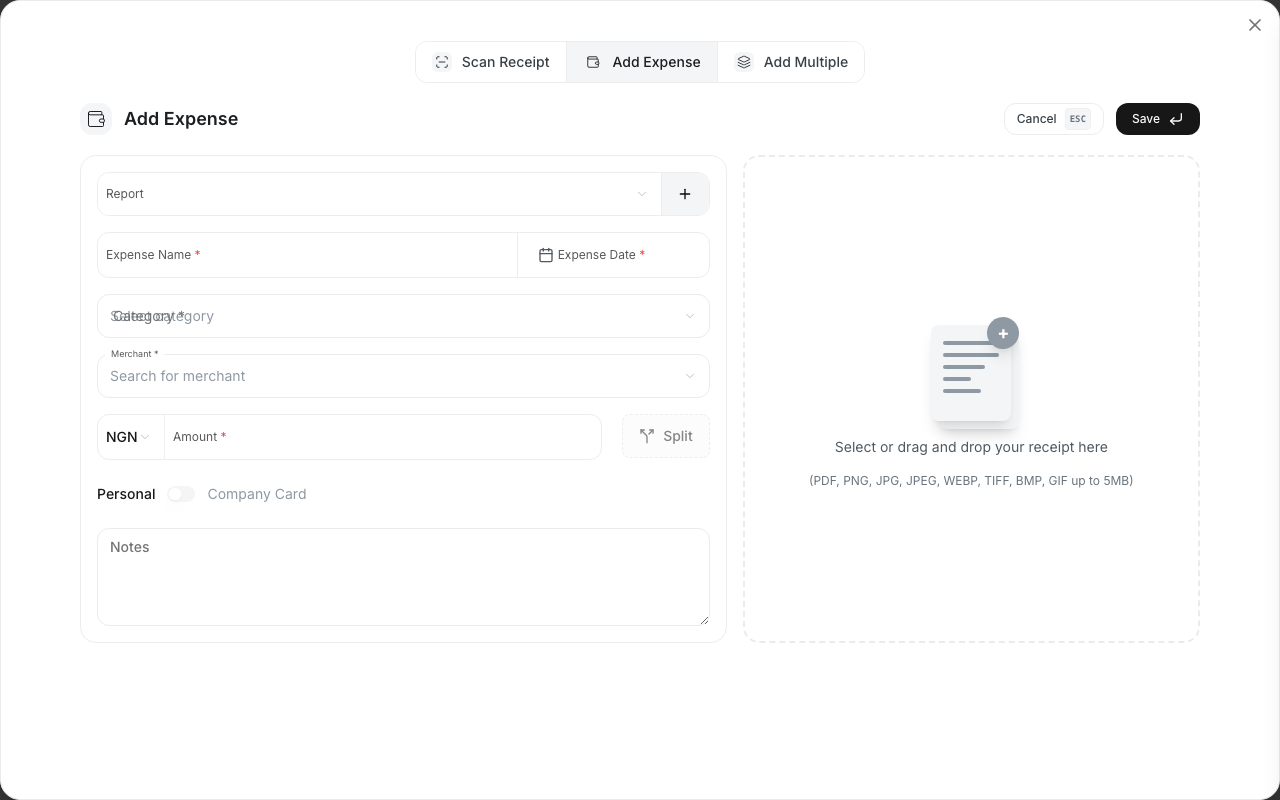
- Navigate to Expenses and click New Expense.
- Select Mileage as the category.
- Enter the From Location (starting point of your journey).
- Enter the To Location (destination).
- Enter the Distance traveled.
- Select the Distance Unit (km or miles).
- The system automatically calculates the reimbursable amount using your organization's Mileage Rate.
- Add the date of the trip and any relevant description (e.g., "Client meeting at Acme Corp").
- Click Save.
The expense detail view shows a route visualization with start and end location markers, along with the distance, rate per unit, and total calculated amount.
Note: The mileage rate is set by your organization admin. You can view the current rate on the mileage expense form.
Round trips and multiple stops
For a round trip, enter the total distance for the entire journey (both directions combined).
For trips with multiple stops, add up the total distance across all legs of the trip and enter the combined figure. Include a description noting the stops if your organization requires it.
Supporting documentation
Some organizations require supporting documents for mileage claims. You can attach:
- A screenshot of a maps application showing the route and distance.
- A fuel receipt (if your policy requires it alongside the mileage claim).
- Any other documentation your company policy specifies.
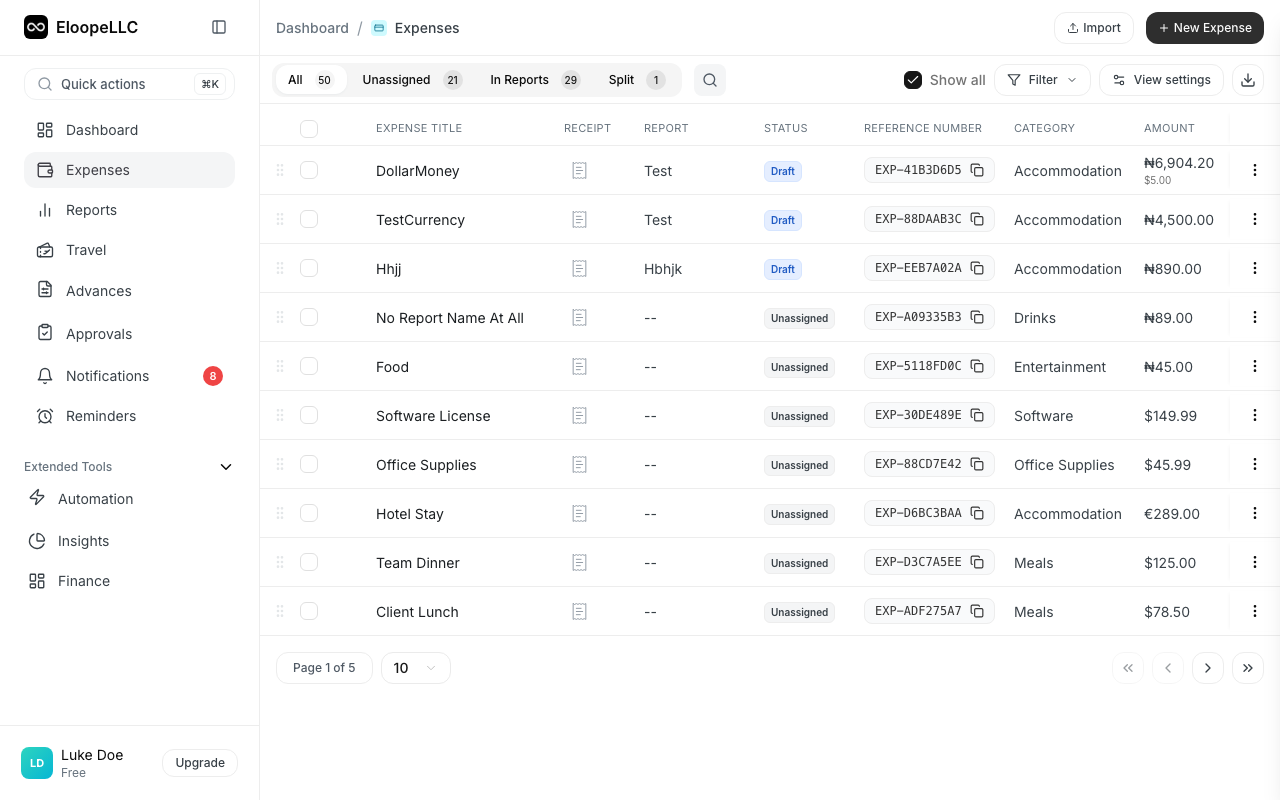
Click Attach Receipt on the expense to upload your supporting files.
Mileage vs. fuel expenses
You cannot claim both a mileage expense and a fuel expense for the same trip. Mileage rates are designed to cover fuel costs along with vehicle wear and depreciation.
Warning: Submitting both mileage and fuel claims for the same trip may result in your expense being rejected.
Personal vehicle vs. company vehicle
Your organization may apply different mileage rates depending on the vehicle type:
| Vehicle type | Typical rate |
|---|---|
| Personal vehicle | Higher rate (covers fuel, insurance, wear, and depreciation). |
| Company vehicle | Lower rate (covers fuel only, since the company owns the vehicle). |
When creating a mileage expense, select the correct vehicle type if prompted. Your admin configures the available rates in Admin Settings > Policies.
Note: If you are unsure which rate applies to you, check with your manager or finance team.