

Request changes to expenses that have already been approved. Amendments preserve a full audit trail while allowing necessary corrections.
Why amendments exist
Once an expense is approved, it cannot be edited directly. This protects the integrity of your organization's financial records. When you need to fix an error or make an adjustment to an approved expense, you submit an amendment request instead.
Amendment types
Eloope supports five types of amendments:
| Type | Purpose |
|---|---|
| Correction | Fix a data entry error such as the wrong amount. Requires entering the corrected amount. Shows the difference from the original. |
| Adjustment | Make an accounting adjustment after approval. Requires entering the adjusted amount and shows the impact on the report total. |
| Void | Cancel the expense entirely. The expense remains in the system for record-keeping but is excluded from the report total. |
| Partial Reject | Reject a portion of the expense. Requires entering a new, lower amount. Shows the rejection amount. |
| Split | Split the expense into separate line items after approval. Useful when an approved expense needs to be divided across categories or cost centers. |
How to request an amendment
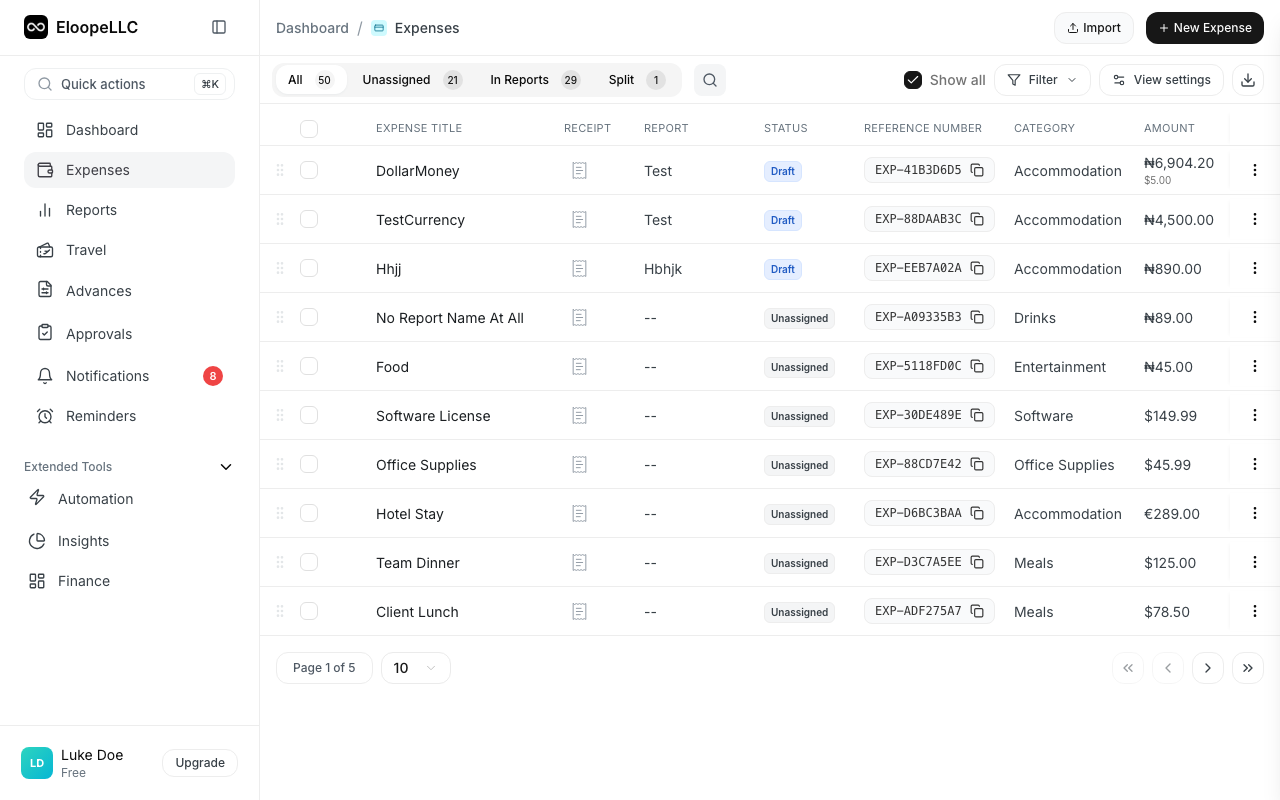
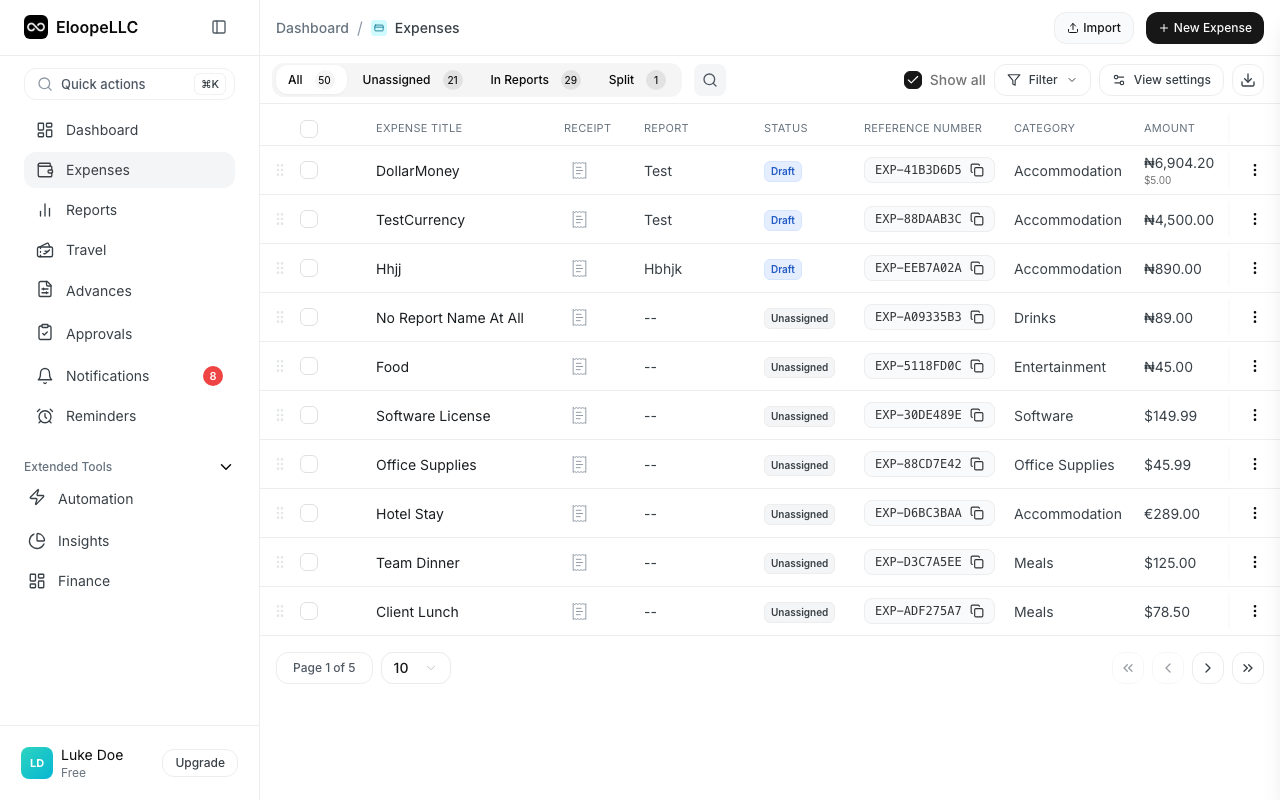
- Navigate to Expenses and find the approved or reimbursed expense you need to change.
- Open the expense detail page.
- Click Request Amendment in the header.
- Select the amendment type: Correction, Adjustment, Void, Partial Reject, or Split.
- If the amendment type requires it, enter the amended amount. The dialog shows the difference from the original.
- Enter a reason for the amendment (required, minimum 10 characters).
- Review the summary showing the original expense details (title, amount, report, status).
- Click Submit.
Note: Include a clear reason for the amendment. This helps your admin or finance team review and approve it faster.
What happens next
After you submit an amendment request:
- Your admin or finance team receives a notification.
- They review the request and either approve or reject it.
- If approved, the expense is updated with the new details.
- If rejected, you receive a notification with the reason.
You can check the status of your amendment request by opening the expense and looking at the Amendment Status field.
Amendment history
Every amendment, whether approved or rejected, is recorded in the expense's audit log. To view the history:
- Open the expense.
- Click the Activity tab.
- Review the timeline of all changes, including who made each request and when it was processed.
This audit trail ensures full transparency and accountability for every change made to an approved expense.
Warning: Amendment requests for voided expenses cannot be reversed once approved. Make sure you intend to cancel the expense before submitting a void request.