

Pull back a submitted report to make changes before it gets approved.
What recall does
Recalling a report withdraws it from the approval queue and returns it to Draft status. Once recalled, you can add or remove expenses, edit details, and fix any issues before resubmitting.
Think of it as an "undo" for submission.
When to recall
Common reasons to recall a report:
- You noticed an incorrect amount or wrong category
- You need to add expenses you forgot to include
- You need to remove an expense that doesn't belong
- A receipt is missing and you need to upload it
- You submitted the report to the wrong report type
How to recall a report
- Navigate to Reports and open the submitted report
- Click Recall in the top-right corner
- Confirm the recall in the dialog
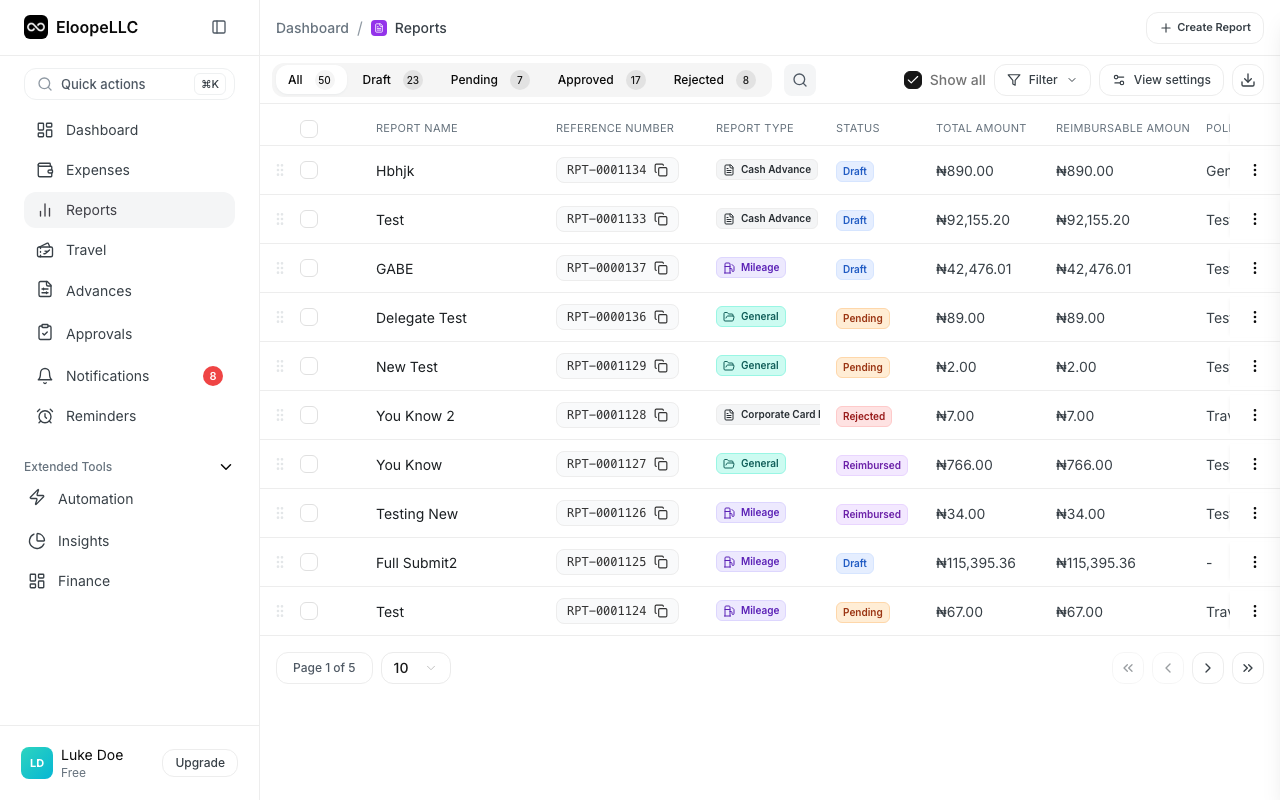
The report status changes from Pending back to Draft. All expenses in the report are unlocked for editing.
After recalling
Once the report is back in Draft status:
- Make the necessary changes: edit expenses, add or remove items, upload receipts
- Review the report to confirm everything is correct
- Click Submit to send it back for approval
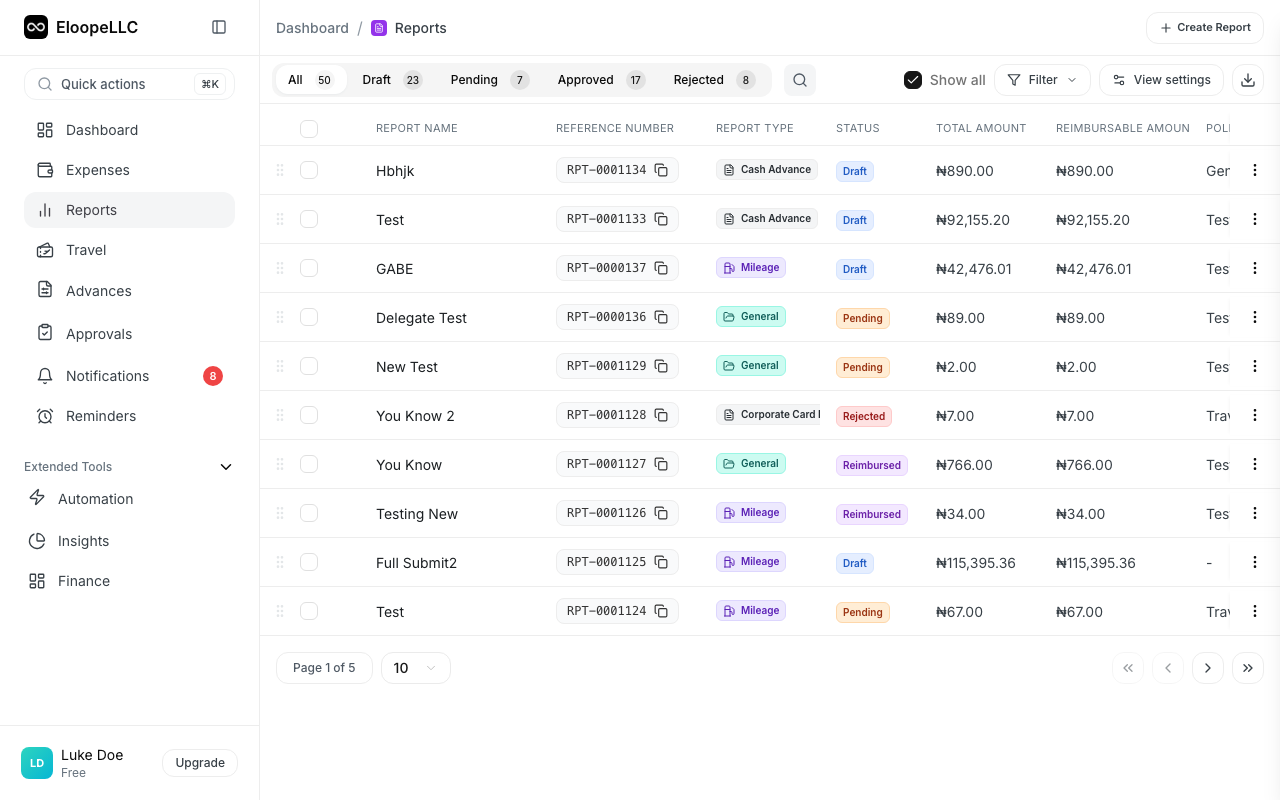
The report re-enters the approval queue as a new submission.
Limitations
You can only recall reports that haven't been approved yet. Once your manager approves a report, the Recall button is no longer available. If you need changes after approval, contact your manager or finance team directly.
Recall is not available for reimbursed reports. Reports that have already been paid cannot be recalled. Speak with your finance team to resolve any post-payment issues.
Warning: Recalling a report resets the approval process entirely. Your approver will need to review the report again from scratch. Any previous approval progress in multi-level workflows is lost. Only recall when you genuinely need to make changes.
Recall vs. rejection
These are different:
- Recall is initiated by you (the submitter). You pull the report back voluntarily.
- Rejection is initiated by your approver. They return the report because something needs to be fixed.
In both cases, the report goes back to Draft status and you follow the same process: make changes, then resubmit.