

Send your expense report to your manager for review and approval.
Before you submit
Run through this checklist before submitting. Reports that pass review on the first try get reimbursed faster.
- Receipts attached. Every expense that requires a receipt has one uploaded. Missing receipts are the most common reason for rejection.
- Amounts are correct. Double-check that each expense matches the receipt total. Watch for currency and tip discrepancies.
- Categories are right. Make sure each expense is assigned to the correct category. Miscategorized expenses delay approval.
- Descriptions are clear. Each expense should explain the business purpose (e.g., "Lunch with client: Acme Corp project kickoff").
- Policy violations are addressed. If any expenses are flagged with policy violations, add a justification in the description or comments. Unaddressed violations will be rejected.
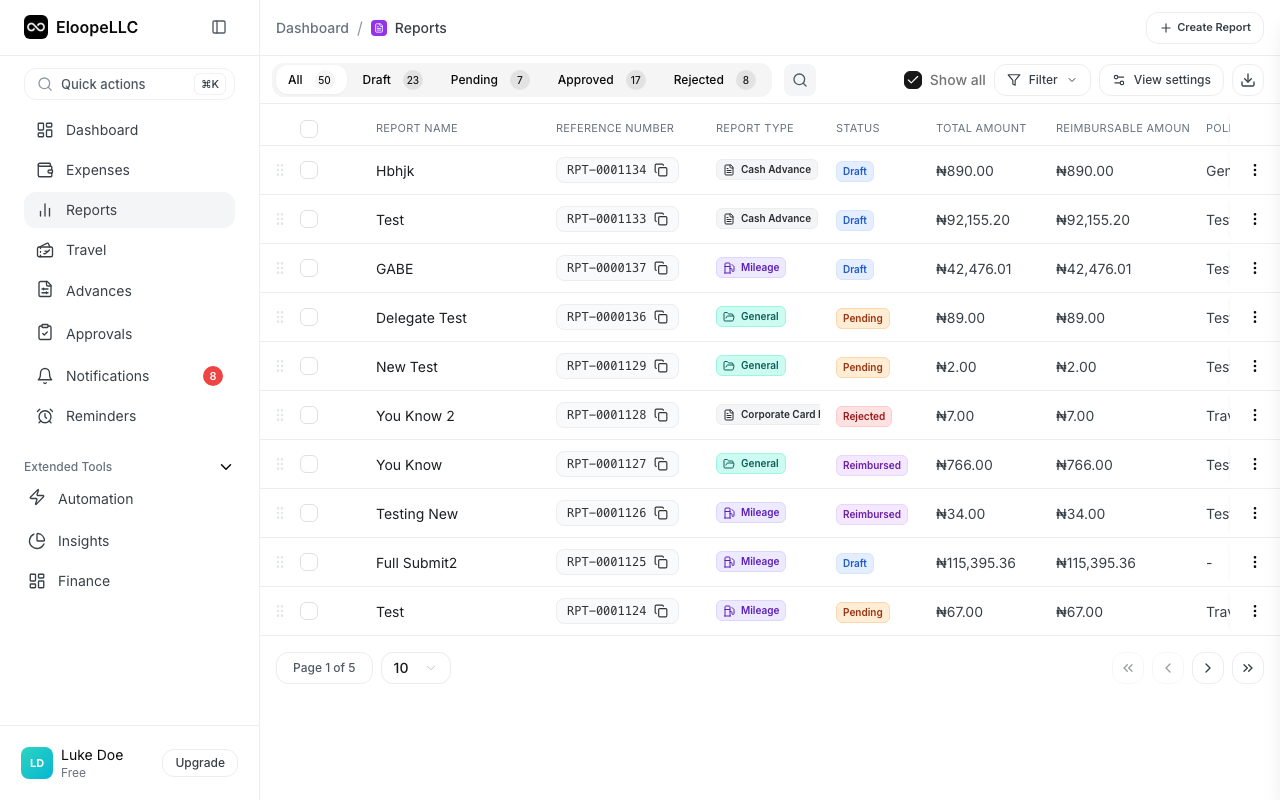
Submit your report
- Navigate to Reports and open the report you want to submit
- Review the expense list and total amount
- Click Submit
- Add optional notes for your approver in the comment field (e.g., "Conference was pre-approved by VP")
- Click Confirm Submit
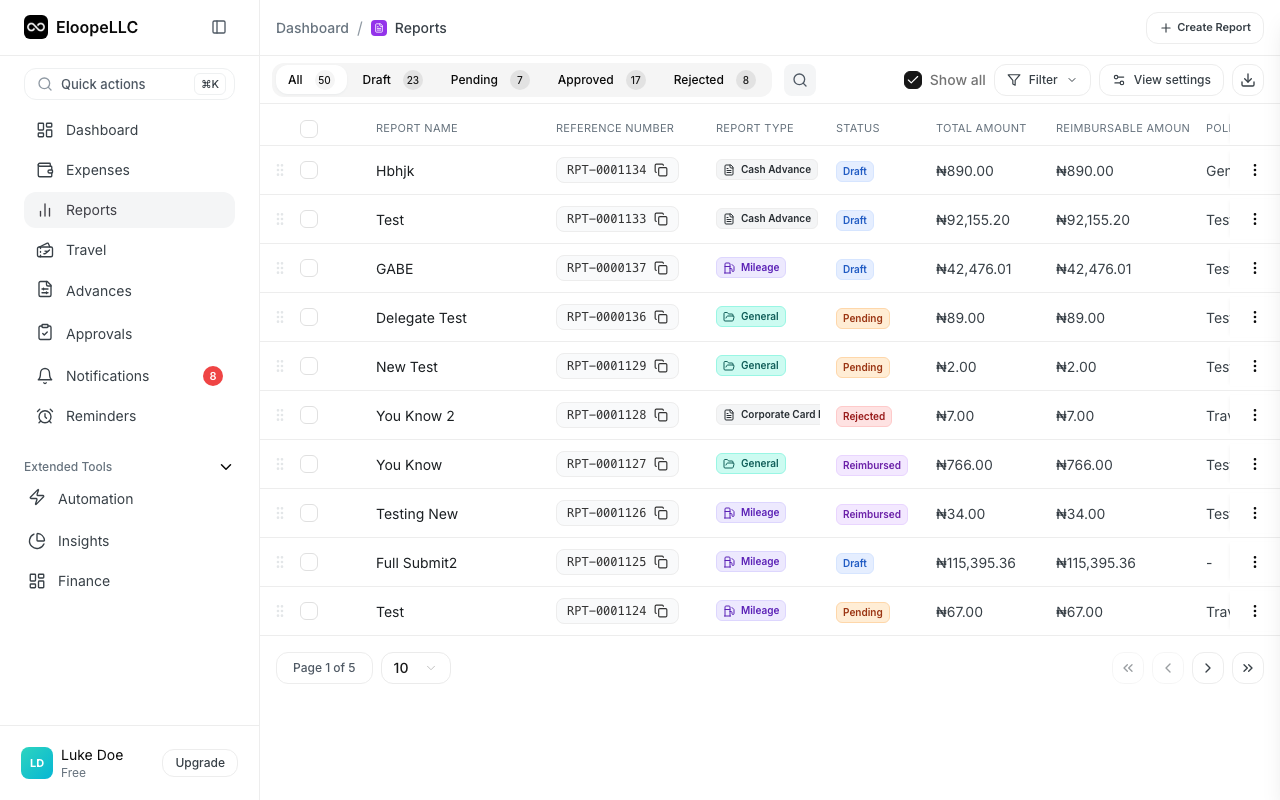
The report status changes from Draft to Pending.
What happens after you submit
Your manager is notified. The report enters the approval queue and your designated approver receives an email and in-app notification.
Expenses are locked. You cannot edit, remove, or add expenses to a submitted report. If you need to make changes, you must recall the report first. See Recall a report.
Approval routing begins. If your organization uses multi-level approval workflows, the report moves through each approver in sequence. You can track progress on the report detail page.
Note: The approval chain is configured by your admin. Some organizations require a single manager approval. Others require additional sign-off from finance or department heads for high-value reports.
Submission tips
Add context in your notes. If any expenses need explanation (pre-approved spending, unusual amounts, or last-minute travel changes), mention it in the submission notes. This reduces back-and-forth with your approver.
Submit complete reports. Avoid submitting a report and then realizing you forgot expenses. Recalled and resubmitted reports restart the approval process from scratch.
Check the total. Review the report total before submitting. If the amount looks wrong, an expense may be duplicated or missing.